Counting
All-day step counting
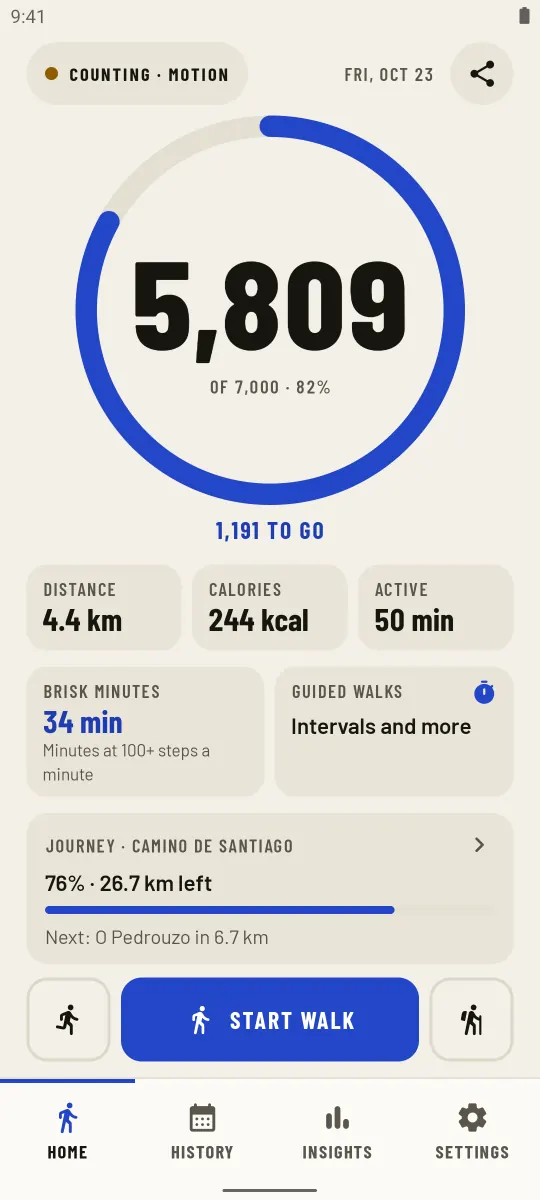
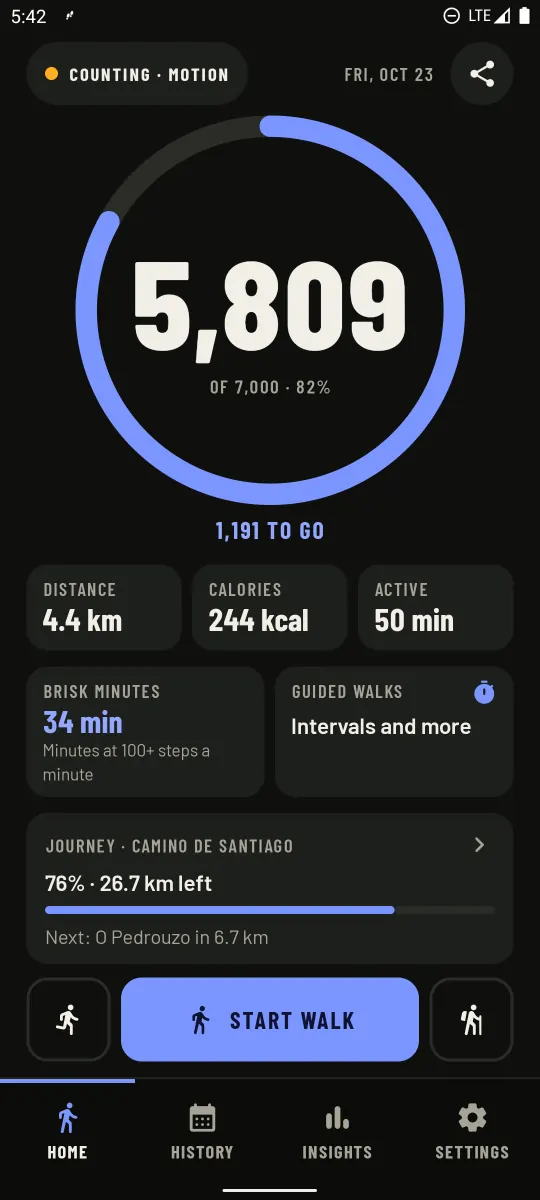
Daily Steps counts in the background with your phone’s low-power step sensor, or Motion & Fitness on iPhone, even with the screen off. See steps, distance, calories, active minutes and an hour-by-hour chart. On Android, a built-in guide helps on phones that pause background apps.
Goals
Streaks with rest days
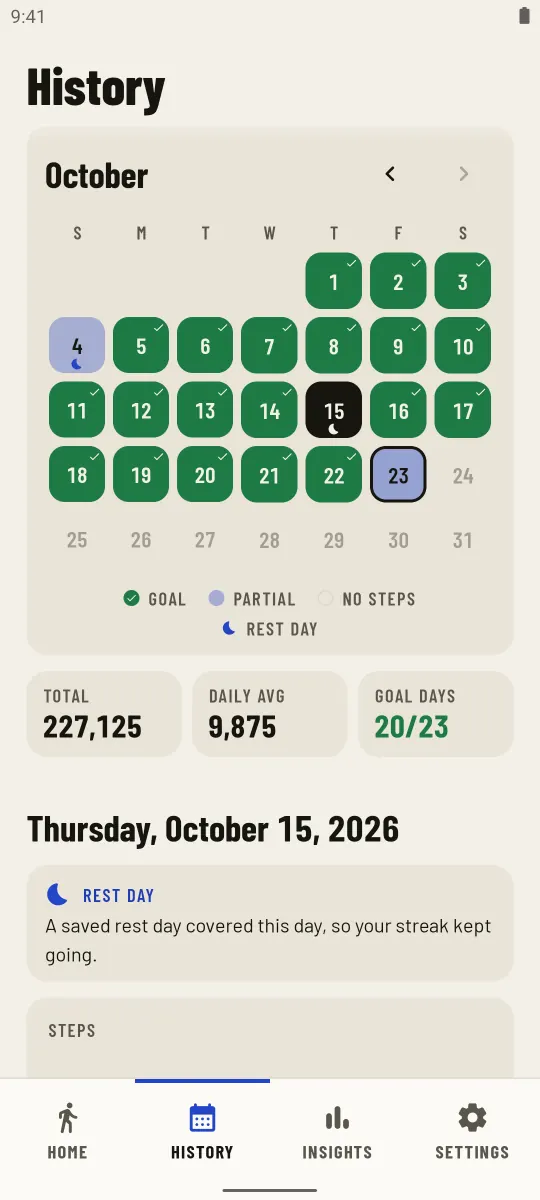
Start with a 7,000-step daily goal and change it any time. Goal days earn rest days, so one quiet day doesn’t break your streak. A calendar shows goal days, partial days and rest days at a glance.
Brisk minutes
Minutes that count
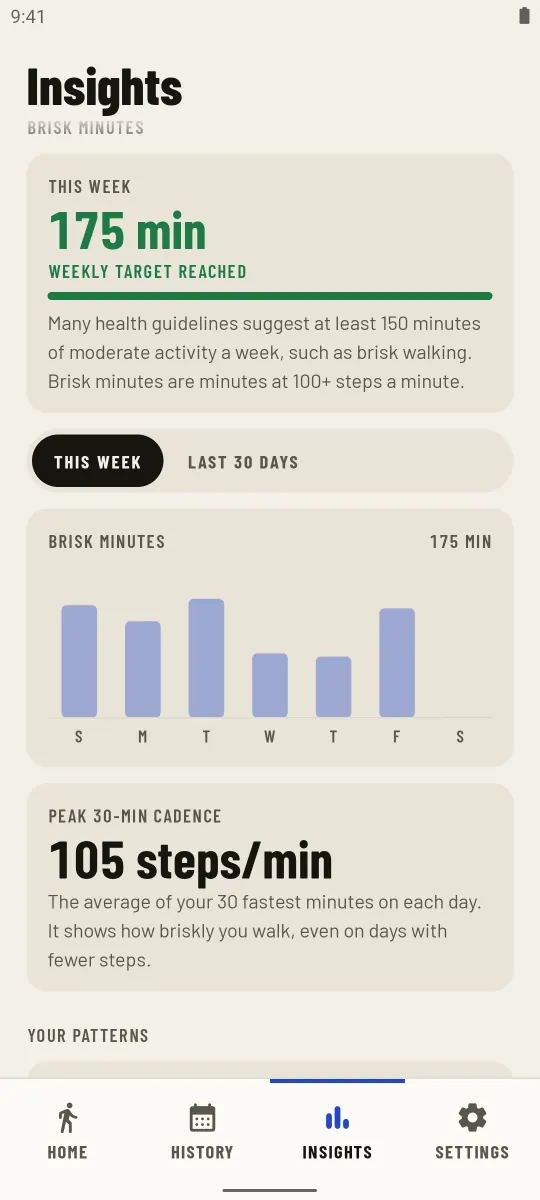
Brisk minutes are the minutes you walked at 100 or more steps a minute. Many health guidelines suggest at least 150 minutes of moderate activity a week, such as brisk walking; Daily Steps shows today’s brisk minutes on Home and each day in History.
Guided walks
Interval Walk
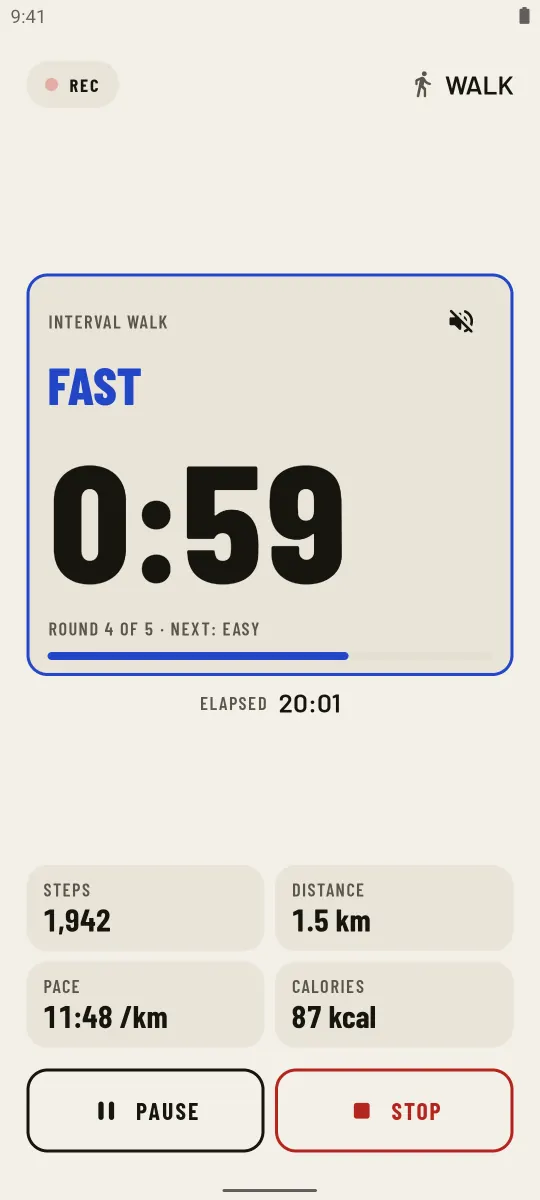
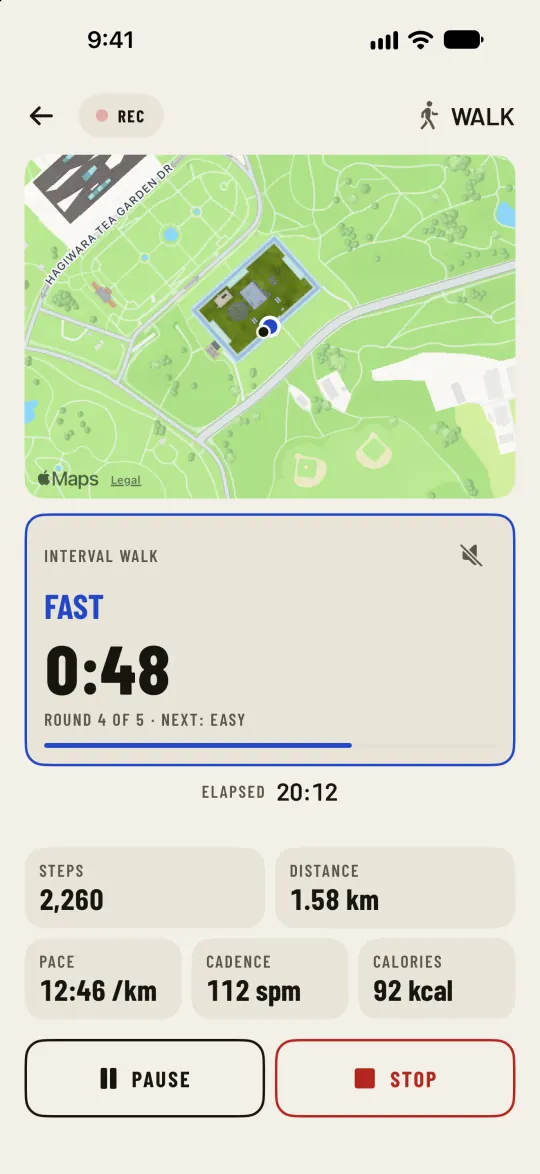
Three minutes fast, three minutes easy, five rounds, with a cue at every change, even with the screen off. Daily Steps Pro adds a post-meal walk, a brisk walk to a beat and your own intervals.
Journeys
Walk a famous trail
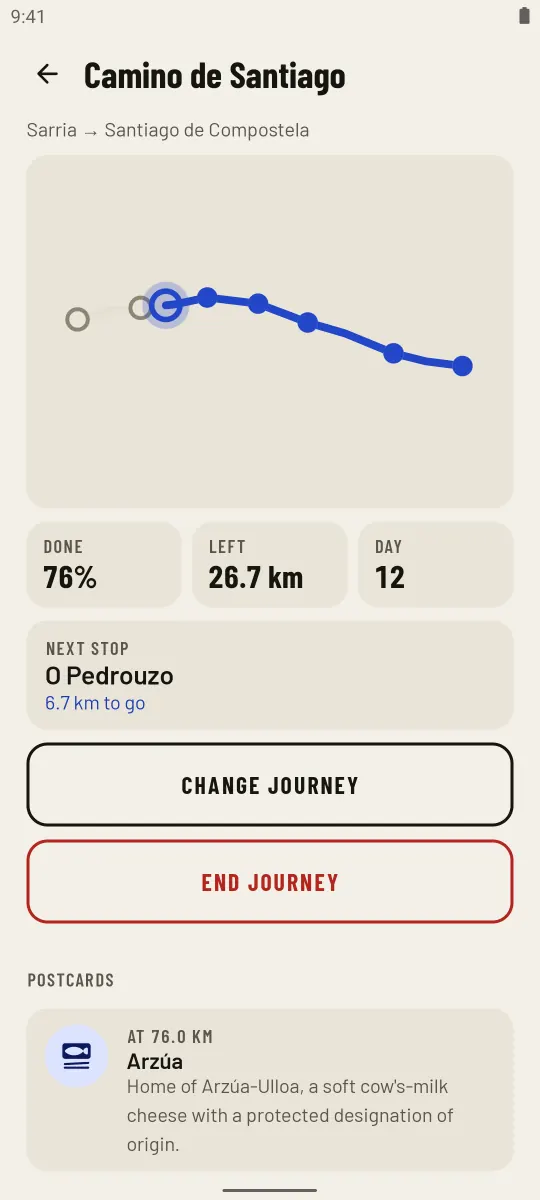
Walk the Camino de Santiago with your daily steps and get a postcard at every stop. Daily Steps Pro adds five more: the Inca Trail, Kumano Kodo, the Great Wall, Hadrian’s Wall and the West Highland Way.
Badges
Badges and personal bests
Earn badges, take on daily challenges and beat your best day, week and month. A weekly recap and share cards for your day, week, streak and journeys.
Walks and runs
Walks, runs and hikes
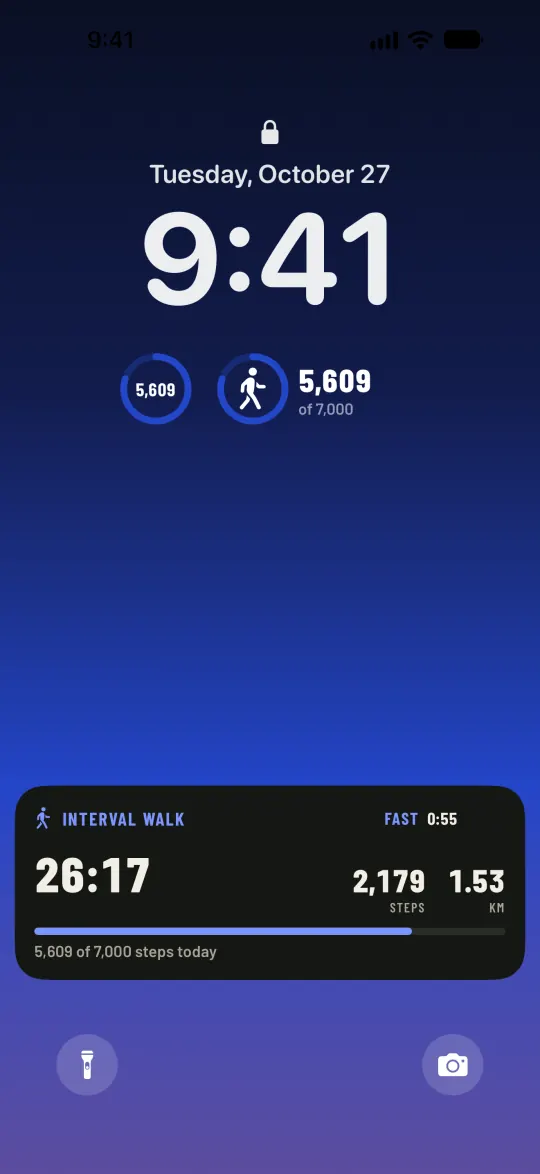
Start in one tap and see live time, steps, distance and pace. Optional GPS draws your route, and only while a session you started is recording. On iPhone, follow a walk on the Lock Screen and in the Dynamic Island.
Widgets
Widgets and shortcuts
A Today widget with your goal ring on the Home Screen, plus Lock Screen widgets and Control Center, Siri and Shortcuts on iPhone, and a Quick Settings tile and a watch app on Android. More widgets come with Daily Steps Pro.
Simple mode
Big and clear
Simple mode shows a big step count, big text and fewer screens: your goal, your distance and one button to start a walk. Switch it on in Settings.
Health
Apple Health and Health Connect
Optional and on your device. On iPhone and iPad, read steps from Apple Health and save your walks as workouts. On Android, sync with Health Connect. Each day shows the higher total, never the sum, so nothing is counted twice.